By Lucas Thompson
I still remember the day I turned my living room into a smart home entertainment setup – it was like stepping into a time machine where my vintage vinyls and modern streaming services blended together in perfect harmony. But, I’ve often found that when people think about creating such a setup, they’re intimidated by the plethora of options and the fear of it being overly complicated. The truth is, with the right guide, anyone can create a seamless entertainment experience that combines the best of old and new technology.
In this article, I’ll share my personal experience and no-nonsense advice on how to create a smart home entertainment system that’s both retro and futuristic. You’ll learn how to choose the right devices, integrate them effortlessly, and streamline your entertainment experience. From setting up voice-controlled speakers to syncing your vintage gaming consoles with modern TVs, I’ll walk you through each step with practical tips and honest recommendations. By the end of this guide, you’ll be well on your way to crafting a unique smart home entertainment setup that reflects your personality and style.
Table of Contents
- Guide Overview: What You'll Need
- Step-by-Step Instructions
- Smart Home Entertainment Setup
- 5 Retro-Futuristic Tips to Upgrade Your Smart Home Entertainment Setup
- Retro-Futuristic Entertainment Unleashed: 3 Key Takeaways
- Embracing the Future of Entertainment
- Bringing It All Together: The Future of Home Entertainment
- Frequently Asked Questions
Guide Overview: What You'll Need
Total Time: 4 hours 15 minutes
Estimated Cost: $200 – $500
Difficulty Level: Intermediate
Tools Required
- Wire Stripper (for stripping cables)
- Drill (with screwdriver and drill bits)
- Level (for ensuring proper installation)
- Tape Measure (for measuring rooms and devices)
- Screwdriver (flathead and Phillips)
Supplies & Materials
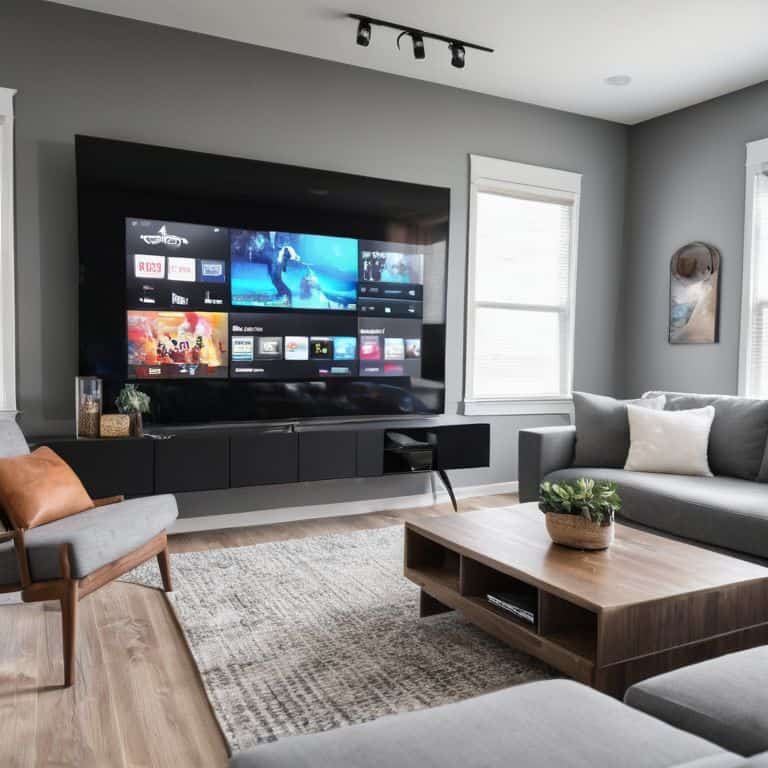
- Smart TV
- Soundbar
- Streaming Device (e.g., Roku, Google Chromecast)
- HDMI Cables (long enough to connect devices, e.g., 6 feet)
- Power Strip (with surge protection)
- Ethernet Cable (for stable internet connection, e.g., 25 feet)
- Mounting Bracket (for wall-mounting TV)
- Wire Management System (for organizing cables)
Step-by-Step Instructions
- 1. To start building your smart home entertainment setup, you’ll need to choose a central hub that will connect all your devices together. This could be a smart speaker like Amazon Echo or Google Home, or even a dedicated home automation system. The key is to find a system that is compatible with all the devices you want to include in your setup.
- 2. Next, you’ll need to assess your current equipment and decide what you want to keep, what you want to upgrade, and what you want to add. Make a list of all the devices you want to connect, including your TV, sound system, gaming console, and any other entertainment devices. This will help you determine what kind of connections and compatibility you’ll need.
- 3. Now it’s time to plan your network infrastructure. You’ll need to make sure your home network can handle the extra demand of all your connected devices. Consider upgrading your router or adding a network booster to ensure a strong and reliable connection throughout your home.
- 4. With your network in place, you can start connecting your devices. Begin with the easiest ones, like your smart TV and sound system, and work your way up to more complex devices like your gaming console or streaming devices. Make sure to follow the manufacturer’s instructions for each device and take your time to ensure everything is connected correctly.
- 5. Once all your devices are connected, it’s time to set up your voice control. If you’re using a smart speaker, you’ll need to configure it to recognize your voice and respond to your commands. This will allow you to control your entire entertainment system with just your voice, making it easy to switch between devices, play music, or adjust the volume.
- 6. To take your smart home entertainment setup to the next level, consider adding some automation. You can set up routines that automatically turn on your TV and sound system when you walk into the room, or adjust the lighting to create the perfect ambiance for movie night. The possibilities are endless, and it’s up to you to get creative and find the automation recipes that work best for you.
- 7. Finally, test and refine your setup to make sure everything is working smoothly. Try out different voice commands, test the connection between devices, and make any necessary adjustments to get the best performance out of your system. Don’t be afraid to experiment and try new things – it’s all part of the fun of creating your own smart home entertainment setup.
Smart Home Entertainment Setup
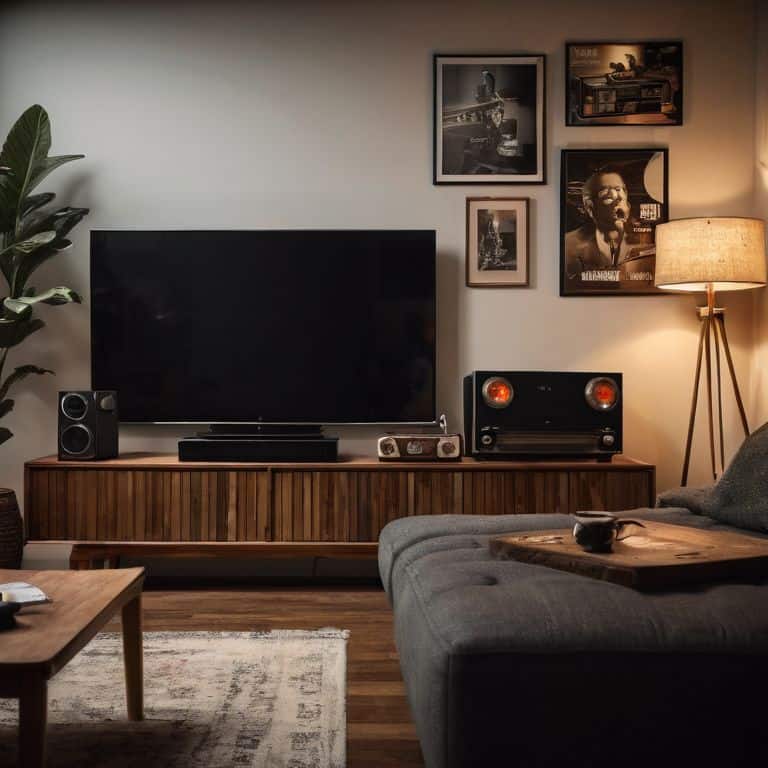
As I delve into the world of smart home entertainment, I’m reminded of my vintage tech gadgets collection, which sparks conversations about the evolution of technology. When it comes to creating an immersive experience, wireless sound system installation is a crucial aspect to consider. A well-designed system can transport you to a different era, much like my trusty old vinyl records. To achieve this, it’s essential to balance sound quality with ease of use, ensuring that your system seamlessly integrates with your devices.
In my experience, smart tv calibration tips can make a significant difference in the overall viewing experience. By fine-tuning your TV’s settings, you can unlock a world of vibrant colors and crystal-clear images. This, combined with a streaming device comparison chart, can help you make informed decisions about which devices to use and how to optimize their performance. Whether you’re a gamer or a movie buff, having the right tools can elevate your entertainment experience to new heights.
As a technology futurist, I’m excited about the potential of voice controlled entertainment systems to revolutionize the way we interact with our devices. By incorporating voice control into your smart home entertainment setup, you can create a seamless viewing experience that’s both convenient and enjoyable. Whether you’re adjusting the lighting or switching between devices, voice control can help you navigate your entertainment system with ease, making it an essential aspect of any modern smart home entertainment setup.
Smart Tv Calibration for Retro Gaming
To get the most out of your retro gaming experience, calibration is key. I recall using my vintage NES with a modern smart TV, and the difference a proper calibration made was staggering. Start by accessing your TV’s picture settings and selecting the “Game” mode, which reduces input lag. Then, adjust the display settings to match your console’s output – for older systems like the SNES, you may need to switch to 4:3 aspect ratio to avoid stretching.
By fine-tuning these settings, you’ll be able to enjoy your classic games with enhanced visuals and responsive controls, making your smart home entertainment setup a true retro-futuristic dream come true.
Wireless Sound System Installation Tips
When it comes to installing a wireless sound system, I always say it’s all about seamless integration. You want your speakers to blend into the background, much like my vintage gadgets do on my desk. To achieve this, consider the layout of your room and position your speakers in a way that creates an immersive audio experience. For me, it’s about recreating the thrill of flying my drone through a virtual soundscape – every detail matters.
Some key tips to keep in mind are to ensure your speakers are paired correctly, and that you’ve optimized their placement for minimal interference. I like to think of it as fine-tuning my drone’s propellers for the perfect flight – it’s all about balance and harmony. By following these tips, you’ll be well on your way to creating a wireless sound system that’s the perfect addition to your smart home entertainment setup.
5 Retro-Futuristic Tips to Upgrade Your Smart Home Entertainment Setup
- Start with a Timeless Soundtrack: Invest in a wireless sound system that seamlessly integrates with your vintage vinyls and modern streaming services
- Retro Gaming Revival: Calibrate your smart TV for an immersive retro gaming experience, with settings that bring out the nostalgic charm of classic consoles
- Future-Proof Your Furniture: Choose multimedia furniture with built-in wireless charging and clever cable management to keep your living room clutter-free and stylish
- Harmony of Eras: Merge your old-school entertainment devices with new smart home technology, creating a unique blend of retro and futuristic elements
- Control the Cosmos: Invest in a universal remote or a voice assistant that can control all your smart devices, making it easy to navigate and enjoy your smart home entertainment setup
Retro-Futuristic Entertainment Unleashed: 3 Key Takeaways
By merging vintage elements with cutting-edge smart technology, you can create a unique entertainment experience that blends the best of both worlds
A well-calibrated smart TV and a strategically installed wireless sound system are crucial for an immersive retro gaming experience that will transport you back in time
Whether you’re a tech enthusiast or a nostalgia seeker, a smart home entertainment setup can be tailored to fit your style, making it an exciting project that combines innovation with personal flair
Embracing the Future of Entertainment
As we weave together the threads of innovation and nostalgia, a smart home entertainment setup becomes more than just a collection of devices – it’s a time capsule that brings the best of every era into our living rooms, where the joy of discovery meets the comfort of familiarity.
Lucas Thompson
Bringing It All Together: The Future of Home Entertainment
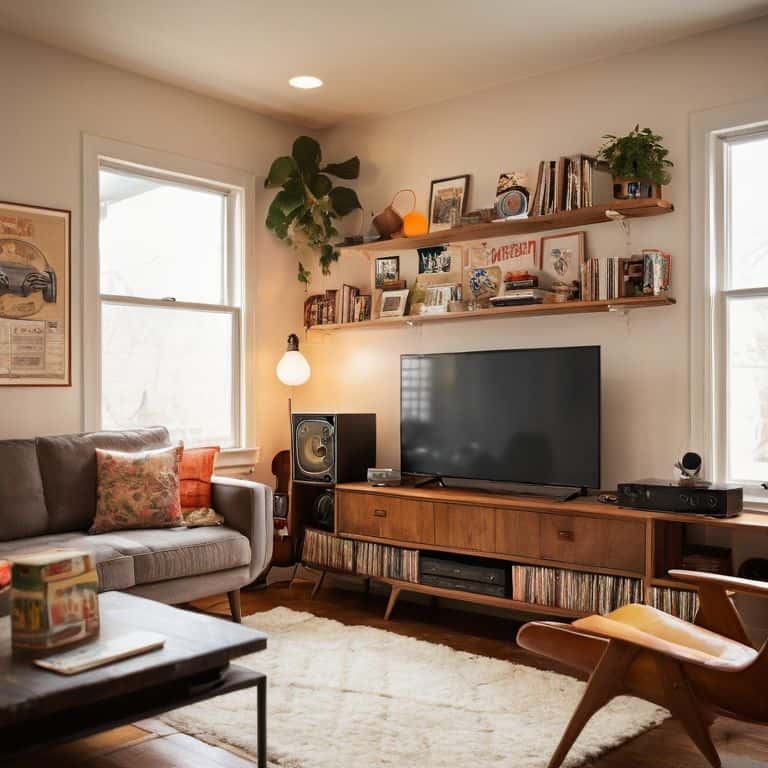
As we’ve explored the world of smart home entertainment setups, it’s clear that the key to a seamless experience lies in striking a balance between cutting-edge technology and nostalgic charm. From wireless sound system installation to smart TV calibration for retro gaming, each step is crucial in crafting a space that’s both a blast from the past and a leap into the future. By following these steps and embracing the evolution of entertainment technology, you’ll be well on your way to creating a home entertainment system that’s truly one-of-a-kind.
So, as you embark on this exciting journey, remember that the true magic happens when technology enhances our experiences without overpowering them. It’s about finding that perfect blend of old and new, of nostalgia and innovation, to create a space where memories are made and the future is welcomed with open arms. With a smart home entertainment setup that’s tailored to your unique taste, you’ll be redefining the way you enjoy your favorite movies, games, and music, and that’s a future worth looking forward to.
Frequently Asked Questions
What are the most compatible devices for a seamless smart home entertainment setup?
For a seamless smart home entertainment setup, I recommend devices like Sonos speakers, Apple TV, and Samsung Smart TVs. These gadgets play nicely together, ensuring a hassle-free experience. Plus, they’re all compatible with popular voice assistants, making it easy to control your entertainment hub with just your voice!
How can I ensure a stable and swift internet connection for my smart home entertainment system?
For a seamless smart home entertainment experience, I recommend upgrading to a high-speed router and using a wired Ethernet connection for critical devices. You can also consider investing in a mesh network system to minimize dead spots and ensure a stable internet connection throughout your home.
Are there any specific smart home entertainment setup configurations that are optimized for retro gaming consoles?
For retro gaming, I recommend configuring your smart home entertainment setup with a dedicated gaming zone, complete with a retro console-friendly smart TV and a wireless sound system that can handle nostalgic audio frequencies – think 8-bit and 16-bit goodness!