By Joseph Goto
As I sit amidst the whirring gears and faded blueprints in my workshop, surrounded by the remnants of a bygone era, I’m reminded of the countless times I’ve heard people say that working with microcontrollers for robotics is a daunting task, reserved for the tech-savvy and electronically inclined. But I’m here to tell you that’s a myth – one that I’ve seen discourage many a curious mind from exploring the endless possibilities that these tiny powerhouses have to offer. In reality, the world of microcontrollers is more accessible than you think, and with the right guidance, anyone can breathe new life into their projects.
So, what can you expect to learn from this guide? You’ll discover the practical steps to get started with microcontrollers for robotics, from choosing the right components to bringing your creations to life. I’ll share my own experiences, the lessons I’ve learned, and the tips and tricks that have helped me along the way. Whether you’re a seasoned maker or just starting out, this guide is designed to provide you with the honest, no-hype advice you need to succeed in the fascinating world of microcontrollers for robotics. By the end of this journey, you’ll be well on your way to crafting innovative projects that showcase the perfect blend of technology and creativity.
Table of Contents
- Guide Overview: What You'll Need
- Step-by-Step Instructions
- Microcontrollers for Robotics Revival
- Timeless Tales from the Workshop: 5 Key Tips for Harnessing Microcontrollers in Robotics
- Timeless Takeaways: Bridging the Gap Between Past and Present
- Echoes of Innovation
- Embracing the Future of Robotics
- Frequently Asked Questions
Guide Overview: What You'll Need
Total Time: 4 hours 30 minutes
Estimated Cost: $50 – $100
Difficulty Level: Intermediate
Tools Required
- Breadboard (for prototyping)
- Jumper Wires (assorted lengths)
- Microcontroller Programmer (specific to the chosen microcontroller)
- Soldering Iron (for permanent circuit connections)
- Wire Cutters (for cutting jumper wires to size)
- Pliers (for gripping small components)
Supplies & Materials
- Arduino or Raspberry Pi Microcontroller (choose one based on project requirements)
- Sensors (e.g., ultrasonic, infrared, or light sensors)
- Motors (e.g., DC or servo motors for robot movement)
- Power Supply (e.g., batteries or a wall adapter)
- Circuit Board (for building a permanent circuit)
- Electrical Tape (for insulating and holding wires in place)
- Robot Chassis (can be 3D printed or made from 1/4 inches thick plywood)
Step-by-Step Instructions
- 1. First, let’s start by gathering our materials, which include the microcontroller itself, a robotics kit, wires, a power source, and any additional components specific to our project, such as sensors or actuators. As I lay out these components on my workbench, I’m reminded of the countless hours I spent in my family’s hardware store, surrounded by the very tools and materials that would one day become the foundation of my craft.
- 2. Next, we need to understand the basics of how microcontrollers work in robotics. This involves learning about programming languages, such as C++ or Python, and how to write code that instructs the microcontroller to perform specific tasks, like controlling movement or reading sensor data. It’s a bit like breathing new life into these small, powerful devices, giving them the ability to control and interact with the physical world.
- 3. Now, let’s move on to setting up our development environment. This step is crucial as it involves installing the necessary software and tools that will allow us to program and communicate with our microcontroller. For me, this process is akin to preparing a canvas for a new painting – it’s about creating a space where creativity and innovation can flourish, guided by the principles of DIY craftsmanship.
- 4. With our environment set up, we can proceed to write and upload our code to the microcontroller. This is where the magic happens, as we translate our ideas into a language the microcontroller can understand, instructing it to perform tasks that will bring our robotic project to life. It’s a moment of transformation, where the abstract becomes concrete, and our vision begins to take physical form.
- 5. Once the code is uploaded, it’s time to assemble our robot. This involves connecting the microcontroller to the robotics kit, ensuring all wires are properly secured, and that any additional components, such as motors or sensors, are correctly integrated. The process is somewhat like upcycling an old clock; we’re taking disparate parts and combining them in a way that creates something entirely new and functional.
- 6. After assembly, we need to test our robot to ensure everything is working as intended. This involves running the robot through a series of tests to check for any bugs in the code or issues with the hardware. It’s a trial by fire, where our creation is put through its paces, and we get to see the fruits of our labor in action.
- 7. Finally, refining our project is key. Based on the results of our tests, we may need to tweak our code, adjust hardware settings, or even redesign certain aspects of our robot. This iterative process is intrinsic to the DIY spirit, a constant push towards improvement and perfection, driven by a passion for creating something truly unique and functional.
Microcontrollers for Robotics Revival
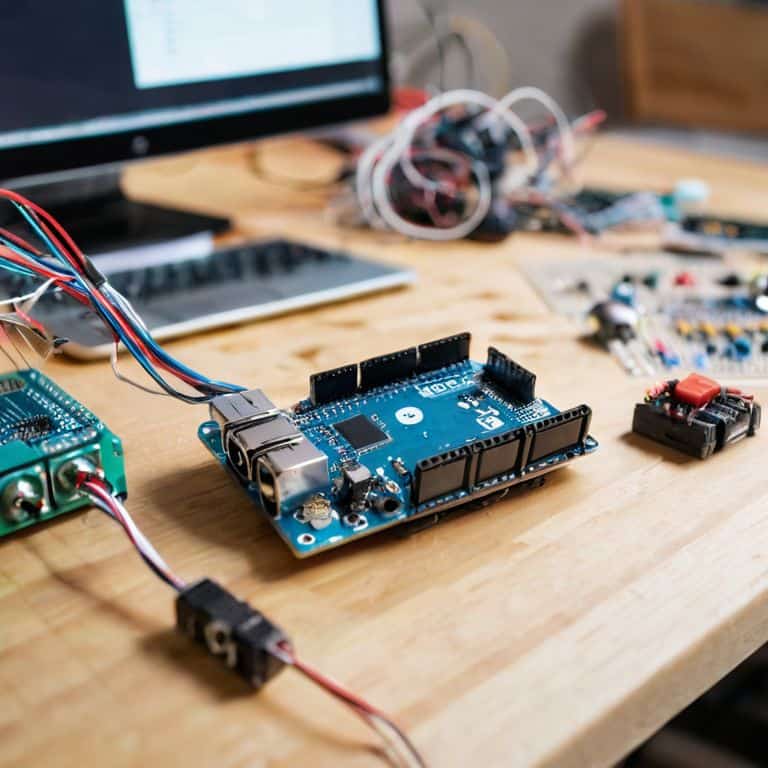
As I delve deeper into the world of arduino robot kits, I’m constantly amazed by the endless possibilities they offer. One of the most significant advantages of using these kits is the ease of sensor integration in robotics, allowing for more precise and efficient navigation. By combining sensors with microcontroller technology, I can create robots that not only perform tasks but also adapt to their environment.
When working on robotic arm programming, it’s essential to consider the role of microcontroller based robot navigation. This involves carefully calibrating the arm’s movements to ensure precision and accuracy. I’ve found that using a combination of programming languages and sensor data can help achieve this goal. For instance, I’ve used iot enabled robotics to create a robotic arm that can navigate through a cluttered workspace with ease.
In my experience, the key to successful robotics projects lies in the details. By paying close attention to factors like sensor placement and programming algorithms, I can create robots that are not only functional but also efficient. Whether I’m working with raspberry pi robotics projects or other platforms, my goal remains the same: to push the boundaries of what’s possible with robotics and inspire others to do the same.
Raspberry Pi Robotics Projects Reimagined
As I delve into the world of Raspberry Pi robotics projects, I’m struck by the sheer possibilities that emerge when combining these tiny powerhouses with vintage materials. I recall a particularly intriguing project where I repurposed an old clockwork mechanism to create a unique robotic arm, powered by a Raspberry Pi microcontroller. The result was a mesmerizing blend of old and new, as the arm whirred to life, its mechanical movements a testament to the beauty of upcycling.
With a flick of my vintage fountain pen, I began sketching ideas for more such projects, eager to breathe new life into forgotten relics. The Raspberry Pi’s versatility has proven to be a perfect match for my inventive nostalgia, allowing me to craft one-of-a-kind robotic creations that tell a story of their own.
Whispers of Arduino Robot Kits Past
As I delve into the world of Arduino robot kits, I’m met with a wave of nostalgia. I recall the countless hours I spent as a child, watching my father tinker with similar kits in our family’s hardware store. The smell of solder and the soft glow of LED lights transport me back to a time when the possibilities seemed endless. Those were the days when the mere idea of bringing a robot to life sparked imagination and curiosity. I’ve since upcycled many of those vintage kits, merging them with modern microcontrollers to create one-of-a-kind timepieces that whisper tales of the past.
The Arduino robot kits of yesteryear may seem primitive compared to today’s advancements, but they hold a certain charm that’s hard to replicate. I’ve found that by combining these retro kits with contemporary microcontrollers, I can craft unique, storytelling pieces that not only pay homage to the past but also inspire a new generation of makers to experiment and innovate.
Timeless Tales from the Workshop: 5 Key Tips for Harnessing Microcontrollers in Robotics
- As I sit amidst the ticking of my upcycled clocks, I’m reminded that choosing the right microcontroller for your robotics project is akin to selecting the perfect gear for a vintage timepiece – it requires a deep understanding of the intricacies at play
- Programming your microcontroller is much like sketching with my vintage fountain pen – every line, every stroke, tells a story of what’s to come, and the beauty lies in the narrative of transformation from code to movement
- In the spirit of my grandmother’s artistic teachings, don’t be afraid to experiment with unconventional materials and approaches when designing your robotics project, for it’s in the unexpected that we often find true innovation
- Just as a well-crafted clock requires precision and patience, so too does the integration of sensors and actuators with your microcontroller – it’s a delicate dance of inputs and outputs that can make or break your robotics project
- Lastly, remember that the true magic of microcontrollers in robotics lies not just in their functionality, but in the stories they help tell – of revival, of transformation, and of the timeless charm that emerges when the past and present converge in a beautiful narrative of DIY ingenuity
Timeless Takeaways: Bridging the Gap Between Past and Present
I’ve found that integrating microcontrollers into robotics projects not only enhances their functionality but also weaves a narrative of innovation, connecting the forgotten stories of the past with the limitless possibilities of the future
Through experimenting with various microcontrollers, such as Arduino and Raspberry Pi, I’ve discovered that each has its unique charm and capabilities, allowing for a diverse range of projects that can revive and reimagine the essence of vintage robotics
By embracing the beauty of upcycling and repurposing old materials in conjunction with modern microcontrollers, we can create truly unique timepieces and robotic marvels that tell stories of transformation, inspiring a new generation to cherish the value of nostalgia and the thrill of creation
Echoes of Innovation
As I breathe new life into forgotten relics with microcontrollers and robotics, I’m reminded that the true magic lies not in the technology itself, but in the stories it helps us tell – of a past that informs our present and inspires our future.
Joseph Goto
Embracing the Future of Robotics
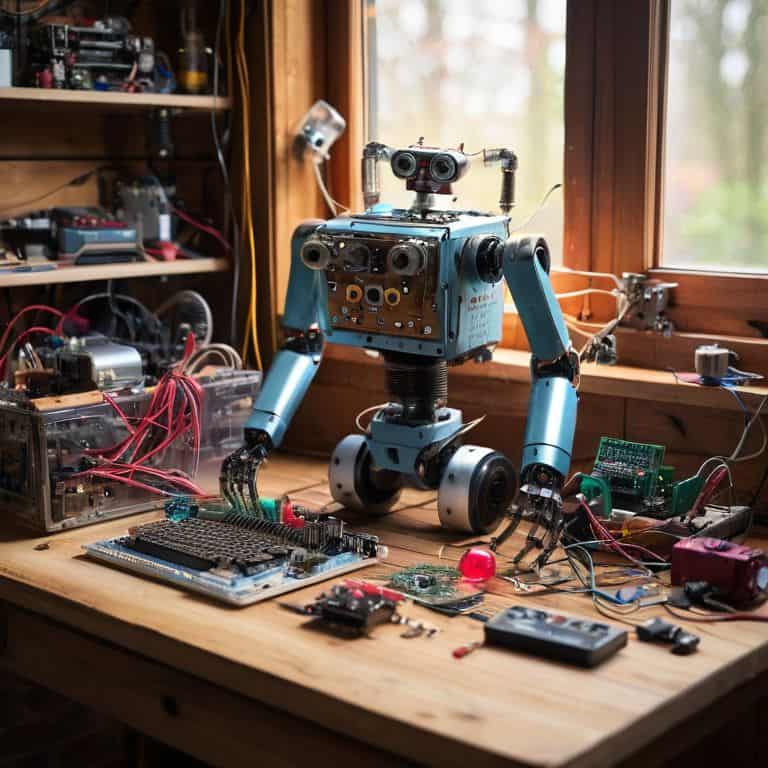
As I reflect on our journey through the world of microcontrollers for robotics, I’m reminded of the timeless charm that these tiny powerhouses bring to the table. From the whispers of Arduino robot kits past to the reimagined possibilities of Raspberry Pi robotics projects, we’ve delved into the heart of what makes these technologies so captivating. By pairing microcontrollers with robotics, we’re not just building efficient systems; we’re breathing new life into forgotten relics, and that’s a truly magical thing.
As we close this chapter, I want to leave you with a final thought: the true beauty of working with microcontrollers and robotics lies not just in the technology itself, but in the stories we tell through our creations. Whether you’re a seasoned maker or just starting out, remember that every project is an opportunity to weave a narrative of transformation and innovation. So, go ahead, grab your vintage fountain pen, and start sketching out your next masterpiece – the future of robotics is waiting, and it’s full of endless possibilities.
Frequently Asked Questions
What are the most beginner-friendly microcontrollers for robotics projects?
For a beginner, I recommend starting with Arduino or Raspberry Pi – they’re like old friends, approachable and full of character. Arduino’s simplicity and vast community make it a great introduction, while Raspberry Pi’s versatility opens doors to more complex projects, both whispering tales of innovation and possibility.
How do I choose the right microcontroller for my specific robotics application?
Choosing the right microcontroller for your robotics project is like selecting the perfect gear for a vintage timepiece – it requires a deep understanding of the intricacies involved. Consider the project’s scale, complexity, and the type of sensors and actuators you’ll be using. For me, it’s about finding that sweet spot where form and function blend seamlessly, much like the harmony of gears in one of my upcycled clocks.
Can I use vintage or repurposed materials to create a unique robotics project with a microcontroller?
I adore incorporating vintage elements into my robotics projects. Repurposed materials like old clock mechanisms or wooden crates can add a touch of nostalgia and uniqueness. With a microcontroller, the possibilities are endless – imagine upcycling an antique music box into a robotic arm or transforming a vintage typewriter into a interactive keyboard.