By Joseph Goto
As I sit amidst the nostalgic whir of my family’s old hardware store, I’m reminded that even the most vintage of relics can be revived – and what better way to do that than by integrating DIY VR with gaming, where the past and present collide in a swirl of innovation? The common myth that DIY VR is solely the realm of tech enthusiasts is not only misleading but also overlooks the creative potential that lies at the heart of this fusion. I’ve seen it myself, the way a vintage clock’s mechanical heartbeat can be reimagined into a unique timepiece, and similarly, how DIY VR can breathe new life into classic gaming experiences.
In this article, I promise to guide you through the practical steps of integrating DIY VR with gaming, without the hype or jargon. You’ll learn how to merge the tactile nature of DIY projects with the immersive world of VR, creating an experience that’s both nostalgic and cutting-edge. By the end of this journey, you’ll be equipped with the knowledge to transform your gaming experiences, much like I transform old clocks into timeless pieces of art. Whether you’re a gamer, a DIY enthusiast, or simply someone who sees the beauty in merging the old with the new, this guide is for you, and I’m excited to share my passion with you.
Table of Contents
Guide Overview: What You'll Need
Total Time: 4 hours 30 minutes
Estimated Cost: $100 – $300
Difficulty Level: Intermediate
Tools Required
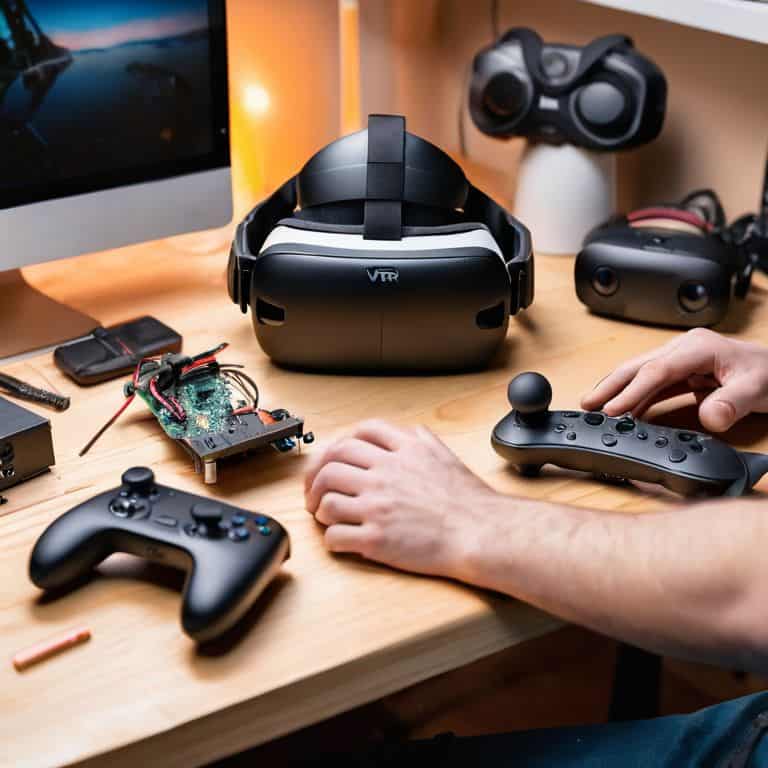
- Computer with a dedicated graphics card for handling VR demands
- VR Headset such as Oculus or Vive
- Tracking System for monitoring movement
- Sensors for room-scale VR
- Controllers for interacting within VR environments
Supplies & Materials
- VR-Ready Games purchased or downloaded
- VR Software Development Kit (SDK) for developing custom experiences
- Cables and Adapters for connecting devices
- Play Area Mat for defining the play space, approximately 6 feet by 6 feet
- Comfortable Playing Space with minimal obstacles, ideally 8 feet by 8 feet
Step-by-Step Instructions
- 1. To begin this fascinating journey of integrating DIY VR with gaming, first, gather all the necessary components, including a VR headset, a computer or gaming console, and any additional sensors or controllers required for your specific setup. It’s essential to ensure compatibility among all the devices to avoid any technical hurdles down the line.
- 2. Next, choose the games you wish to play in VR. This could range from classic arcade games to more modern, graphically intensive titles. Consider the storytelling aspect of the games, as the narrative can greatly enhance the immersive experience of playing in VR. For a more vintage feel, look into games that offer a retro mode or those that are inspired by classic arcade titles.
- 3. Now, it’s time to set up your VR environment. This involves configuring the space where you’ll be playing to ensure it’s safe and free from obstacles. Use the VR system’s calibration tools to define your play area, and consider setting up a comfortable seating arrangement if you plan on playing for extended periods. The goal is to create an atmosphere that blends the physical and virtual worlds seamlessly.
- 4. With your hardware and space ready, the next step is to download and install any necessary software or drivers for your VR headset and gaming platform. This may include VR-specific versions of your chosen games or applications that enable VR functionality. Be sure to follow the installation instructions carefully to avoid any issues with performance or compatibility.
- 5. Once everything is set up, it’s time to immerse yourself in the game. Put on your VR headset, grab your controllers, and start playing. Pay attention to how the VR experience enhances the storytelling and gameplay of your chosen titles. You might find that certain games are more suited to VR than others, depending on their mechanics and pacing.
- 6. As you become more comfortable with playing games in VR, consider experimenting with DIY projects to further enhance your experience. This could involve building custom controllers, creating a themed play area, or even upcycling vintage items to create unique decorations for your gaming space. The process of bringing old items back to life can add a satisfying layer of depth to your hobby.
- 7. Finally, share your creations and experiences with the DIY VR and gaming communities. Join online forums, share photos or videos of your projects, and participate in discussions about the future of VR gaming. By connecting with like-minded enthusiasts, you can discover new ideas, learn from others, and contribute to the evolving narrative of DIY VR and gaming. This community aspect can significantly enrich your overall experience, providing inspiration and motivation to continue exploring and innovating.
Merging Memories With Code
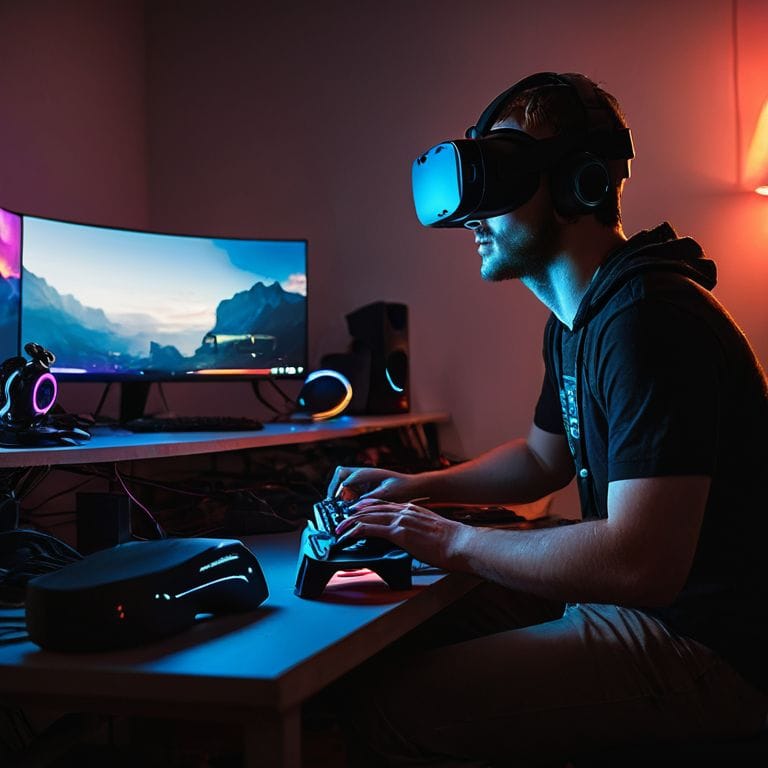
As I delve into the world of merging memories with code, I find myself drawn to the intricacies of vr headset compatibility. It’s fascinating to see how different headsets can elevate or hinder the gaming experience. When designing my DIY VR projects, I always consider the gaming pc requirements for vr to ensure a seamless fusion of old and new. This balance is crucial in creating immersive experiences that transport players to new dimensions.
One of the most exciting aspects of DIY VR is the ability to craft unique controllers that respond to the player’s movements. A well-designed diy vr controller setup can make all the difference in captivating the player’s senses. I recall spending hours in my workshop, tinkering with vintage clock parts and wires to create a one-of-a-kind controller that added a touch of nostalgia to the gaming experience.
When it comes to bringing these creations to life, vr gaming room design plays a vital role. I’ve found that a thoughtfully designed space can enhance the overall experience, making it feel more immersive and engaging. By considering factors like lighting, sound, and budget friendly vr gaming options, I can create an environment that transports players to a world where the past and present blend together in perfect harmony.
Crafting Diy Vr Controllers for Timeless Tales
As I delve into the world of DIY VR controllers, I’m reminded of the vintage clocks I love to upcycle – each component, a story waiting to be retold. By repurposing old gamepads, wooden dowels, and even antique clock gears, I craft unique controllers that not only enhance the gaming experience but also serve as tangible connections to the past. The tactile sensation of holding a handcrafted controller, adorned with the patina of aged wood or the soft glow of repurposed clock faces, immerses me in the narrative of the game like never before.
With a dash of creativity and some industrial design know-how, these DIY controllers become an integral part of the storytelling process, weaving together the threads of nostalgia and innovation. As my vintage fountain pen scratches out new designs on parchment paper, I’m filled with the excitement of breathing new life into forgotten relics, and the possibilities seem endless.
Reviving Retro Games With Vr Headset Compatibility
As I delve deeper into merging memories with code, I find myself fascinated by the potential of reviving retro games with VR headset compatibility. It’s a journey that not only brings back nostalgic memories but also pushes the boundaries of what’s possible in the world of gaming. I envision taking classic arcade games and infusing them with the immersive experience of VR, creating an entirely new dimension of play.
With my trusty vintage fountain pen, I begin sketching out ideas for how to seamlessly integrate retro game mechanics with the cutting-edge technology of VR headsets. The challenge is exhilarating, and I’m eager to see how these timeless tales can be reimagined in a modern context, breathing new life into the relics of retro gaming.
Weaving Timeless Tales: 5 Key Tips to Integrate DIY VR with Gaming
- Start with a narrative spark: Before diving into code or hardware, let the nostalgia of old games guide your creative vision, merging memories with the limitless possibilities of VR
- Choose your canvas wisely: Select games that resonate with your personal story, whether it’s the pixel art of a bygone era or the immersive worlds of modern classics, to ensure your DIY VR project is a labor of love
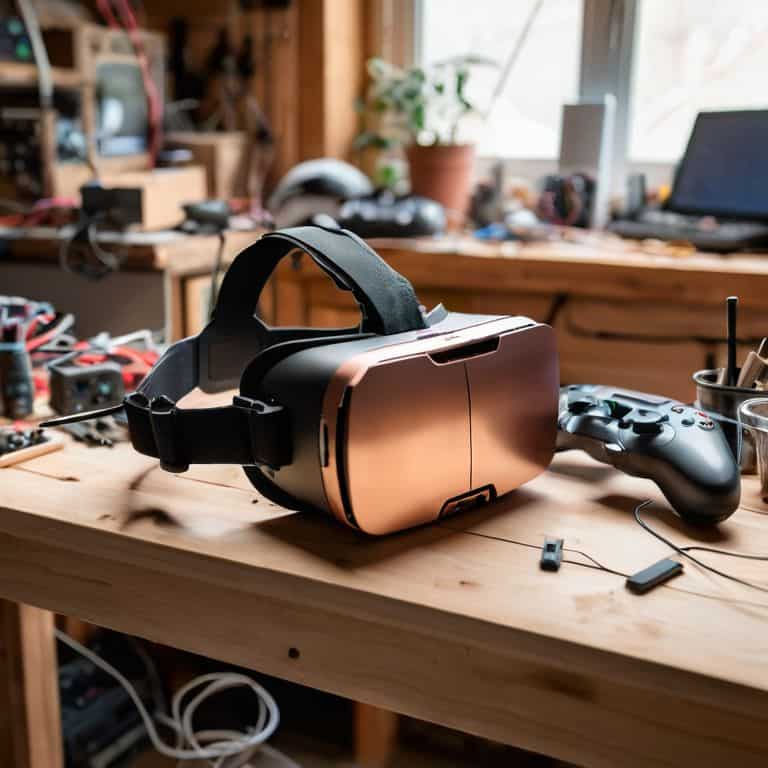
- Upcycle with intention: Just as I breathe new life into vintage clocks, consider repurposing old gaming peripherals or materials to craft unique VR controllers that tell a story of transformation
- Experiment with hybrid realities: Blend the digital and physical by incorporating real-world elements into your VR gaming experience, such as tactile puzzles or interactive props, to create an unforgettable narrative
- Join the community tapestry: Share your projects and learn from fellow DIY enthusiasts, as the collective creativity and passion for storytelling through gaming and VR can inspire new ideas and push the boundaries of what’s possible
Timeless Tales in Modern Wrap: Key Takeaways
As I reflect on my journey to integrate DIY VR with gaming, I realize that the true magic lies not in the technology itself, but in how it allows us to reimagine and relive memories from a bygone era, giving old stories a vibrant new life.
By merging the tactile experience of DIY craftsmanship with the immersive world of VR, we can create unique gaming experiences that not only pay homage to the past but also pave the way for innovative storytelling, where the boundaries between reality and fantasy blur beautifully.
Whether it’s reviving retro games with VR compatibility or crafting DIY controllers that feel like an extension of our imagination, the process of integrating DIY VR with gaming is a powerful reminder that, with a little creativity and a lot of heart, we can turn the relics of yesterday into the wonders of tomorrow.
Weaving Timeless Tales
As we integrate DIY VR with gaming, we’re not just merging technologies – we’re bridging the gap between yesterday’s stories and tomorrow’s innovations, giving old relics new voices and new dimensions to whisper their secrets to a new generation.
Joseph Goto
Weaving Timeless Tales: A Conclusion
As I reflect on our journey to integrate DIY VR with gaming, I’m reminded of the transformative power of merging the past with the present. We’ve explored the steps to revive retro games with VR headset compatibility, and delved into the world of crafting DIY VR controllers that bring timeless tales to life. Through Merging Memories with Code, we’ve discovered that the true magic lies not just in the technology, but in the stories we tell and the memories we create. By embracing this fusion of old and new, we open ourselves to a world of limitless imagination.
As we close this chapter, I invite you to join me in embracing the art of transformation. Let us continue to weave timeless tales that transcend the boundaries of era and technology. With every DIY project, every stroke of the vintage fountain pen, and every whispered story from forgotten materials, we breathe life into the relics of yesterday. And as we do, we inspire a new generation to see the beauty in turning the old into something intriguingly new, forging a bridge between past and present that will forever change the way we experience the world of gaming.
Frequently Asked Questions
What are the most essential tools and software needed to integrate DIY VR with gaming?
To bring DIY VR and gaming together, I rely on trusty tools like Unity and Blender for design, along with hardware staples such as Oculus Rift or HTC Vive headsets, and versatile controllers that can be crafted or repurposed from vintage items, giving each project a unique, nostalgic touch.
How can I ensure a seamless and immersive experience when merging retro games with VR technology?
To ensure a seamless experience, I recommend calibrating your VR headset to the retro game’s original framerate and resolution, then fine-tuning the controls to mimic the nostalgic feel of vintage gaming, all while keeping the story and atmosphere intact, much like I do when upcycling vintage clocks.
What are some creative ways to repurpose vintage gaming controllers or accessories for use in DIY VR gaming projects?
I love breathing new life into old favorites. For DIY VR gaming, consider repurposing vintage controllers as custom grips or mounts, or upcycling classic arcade buttons into interactive VR overlays, blending nostalgia with innovation.