By Steven Wells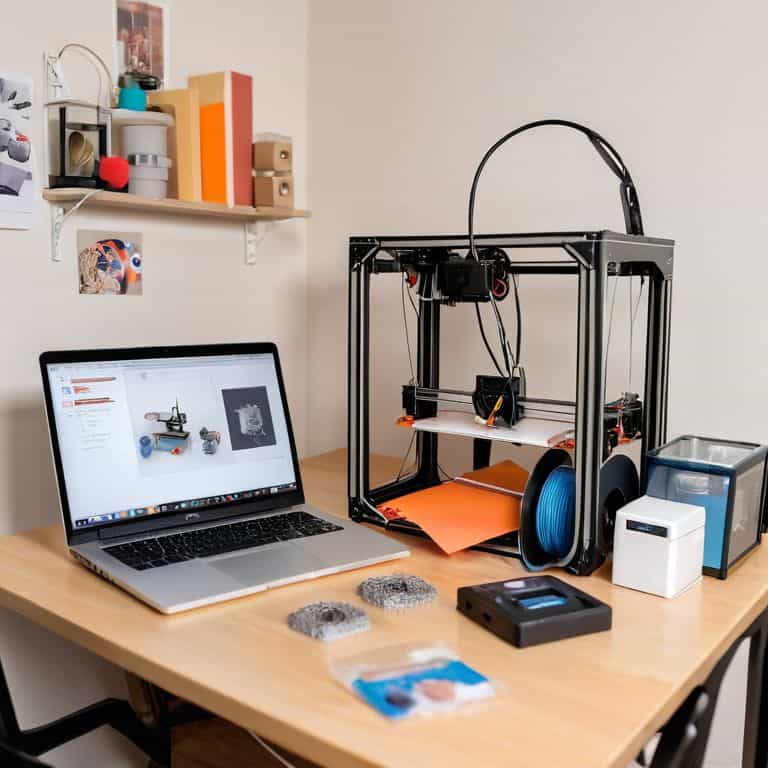
As I sit here, surrounded by the intricate miniature dioramas I’ve built over the years, I’m reminded of the countless times I’ve been asked about 3D printers for beginners. There’s a common myth that these devices are only for tech-savvy individuals, that they’re too complex for the average person to grasp. But I’m here to tell you that’s simply not true. With the right guidance, anyone can navigate the world of 3D printing and unlock its endless creative possibilities. I recall my first experience with 3D printing, where I struggled to find reliable resources, and I wish I had a comprehensive guide to walk me through the process.
In this article, I promise to provide you with honest and practical advice on how to get started with 3D printing, even if you’re a complete beginner. I’ll share my personal experiences, the lessons I’ve learned, and the tips I wish I knew when I first started. You can expect a step-by-step guide on how to choose the right 3D printer, how to prepare your first print, and how to troubleshoot common issues. My goal is to empower you with the knowledge and confidence to embark on your own 3D printing journey, and to inspire you to explore the infinite possibilities that this technology has to offer.
Table of Contents
- Guide Overview: What You'll Need
- Step-by-Step Instructions
- Navigating 3d Printers for Beginners
- Setting Sail with 3D Printing: 5 Essential Tips for Beginners
- Setting Sail with Confidence: 3 Key Takeaways for Beginner 3D Printers
- Embracing the Horizon of Possibility
- Embarking on a New Frontier
- Frequently Asked Questions
Guide Overview: What You'll Need

Total Time: 5 hours 30 minutes
Estimated Cost: $500 – $1000
Difficulty Level: Intermediate
Tools Required
- Allen Wrench (for assembly)
- Pliers (for tightening and loosening)
- Screwdriver (flathead and Phillips)
- Level (to ensure printer is level)
- Caliper (for precise measurements)
- Wire Cutters (for managing cables)
Supplies & Materials
- 3D Printer Kit (including frame, motors, and electronics)
- Filament (for printing, available in various colors and materials)
- Print Bed Adhesive (for securing prints to the bed)
- Power Supply (suitable for the printer’s voltage and current requirements)
- MicroSD Card (for storing and transferring print files)
- Cable Ties (for managing cables and wires)
Step-by-Step Instructions
- 1. First, let’s start by understanding the basics of 3D printing, which is essential for any beginner. It’s like reading a map before embarking on a journey – you need to know where you’re going and what to expect. Begin by researching the different types of 3D printing technologies, such as Fused Deposition Modeling (FDM), Stereolithography (SLA), and Selective Laser Sintering (SLS), to determine which one suits your needs.
- 2. Next, choose your 3D printer model carefully, considering factors such as budget, printing resolution, and build volume. As a beginner, you may want to opt for a more affordable and user-friendly model, such as a desktop FDM printer. Look for reviews and compare features to find the best fit for your needs, and don’t be afraid to ask for advice from more experienced enthusiasts.
- 3. Once you’ve acquired your 3D printer, it’s time to assemble and calibrate it. This step can be a bit daunting, but most printers come with detailed instructions and online resources to guide you through the process. Take your time, and make sure all components are properly aligned and secured to ensure optimal performance and safety.
- 4. Now that your printer is up and running, it’s time to learn about 3D modeling software. You’ll need to create or download digital models of the objects you want to print, and there are many software options available, both free and paid. Popular choices for beginners include Tinkercad, Fusion 360, and Blender, which offer user-friendly interfaces and tutorials to help you get started.
- 5. With your 3D model ready, it’s time to slice and prepare it for printing. Slicing software, such as Cura or Slic3r, will help you convert your model into a printable format, allowing you to adjust settings like layer height, infill density, and support material. This step requires some experimentation, so be patient and don’t be afraid to try different settings to achieve the best results.
- 6. Next, configure your print settings according to the specific requirements of your model and printer. This includes selecting the right filament type, temperature, and print speed, as well as adjusting settings like retraction and coasting. It’s essential to consult your printer’s manual and online resources for guidance on optimal settings, as these can vary greatly depending on the printer model and material used.
- 7. Finally, start printing and monitor the process closely, especially during the initial layers. Make sure the printer is properly calibrated, and the print bed is level and clean. As the print progresses, you can adjust settings on the fly, if necessary, and once complete, remove the printed object from the bed and post-process it, which may include sanding, painting, or applying a finish, to achieve the desired result.
Navigating 3d Printers for Beginners
As I delve into the world of 3D printing, I’m reminded of the intricate miniature dioramas I’ve built over the years, each one a testament to my love for detail and precision. When it comes to 3D printer calibration techniques, it’s essential to understand that patience is key. Taking the time to fine-tune your printer will pay off in the long run, ensuring that your prints turn out smoothly and accurately. I recall the hours I spent calibrating my first 3D printer, and how it ultimately led to the creation of a stunning miniature replica of the Eiffel Tower.
As a beginner, it’s also crucial to familiarize yourself with intro to 3D modeling software, which will allow you to bring your designs to life. Don’t be intimidated if it takes time to get the hang of it – with practice, you’ll be creating complex models in no time. When working with 3D modeling software, I find it helpful to start with simple projects and gradually move on to more intricate designs, much like how I approach building my miniature dioramas.
To ensure a safe and successful printing experience, it’s vital to follow 3D printing safety precautions. This includes keeping your workspace well-ventilated and avoiding overheating. By taking these precautions and staying mindful of common 3D printing issues, you’ll be well on your way to creating amazing prints and avoiding costly mistakes. As someone who’s passionate about storytelling and travel, I’m excited to see how 3D printing can be used to bring people closer to different cultures and experiences, and I’m eager to share my own stories and adventures with others.
Essential 3d Printer Calibration Techniques
As I delicately adjust the tiny gears of my miniature Eiffel Tower diorama, I’m reminded of the precision required in 3D printing. Calibration is an art that demands patience and attention to detail. It’s like fine-tuning the compass my grandfather left me – every slight adjustment can significantly impact the final outcome. For beginners, it’s essential to grasp the basics of calibration to ensure their prints turn out as envisioned.
Proper calibration involves adjusting the printer’s bed level, belt tension, and extruder settings. This process may seem daunting, but with practice, it becomes second nature. I recall my early days of building dioramas, where a single misaligned piece could throw off the entire structure. Similarly, in 3D printing, calibration is crucial to achieving flawless prints. By mastering these techniques, beginners can unlock the full potential of their 3D printers and bring their creative visions to life.
Intro to 3d Modeling Software Basics
As I delve into the world of 3D printing, I find myself drawn to the creative possibilities of 3D modeling software. It’s akin to charting a new course, where the compass in my hand becomes a tool for navigating the digital realm. With a plethora of options available, it’s essential to understand the basics of these programs. For a beginner, software like Tinkercad or Fusion 360 can be a great starting point, offering user-friendly interfaces and tutorials to guide you through the process.
By grasping the fundamentals of 3D modeling software, you’ll be able to bring your ideas to life, designing and refining your creations with precision and ease. It’s a thrilling journey, full of discovery and innovation, where the only limit is your imagination.
Setting Sail with 3D Printing: 5 Essential Tips for Beginners
- Start with the basics: Understand the fundamental components of a 3D printer, including the print bed, hotend, and extruder, to ensure a smooth sailing experience
- Choose the right filament: Select from a variety of materials, such as PLA, ABS, or PETG, each with its unique properties and applications, to bring your creations to life
- Calibrate with care: Properly calibrate your 3D printer to achieve optimal print quality, avoiding common issues like layer shifting or uneven extrusion
- Master the art of 3D modeling: Familiarize yourself with user-friendly software like Tinkercad or Fusion 360 to design and customize your own 3D models, unlocking a world of creative possibilities
- Join the 3D printing community: Connect with fellow makers and enthusiasts online or in-person to share knowledge, learn from others, and stay updated on the latest trends and innovations in the 3D printing universe
Setting Sail with Confidence: 3 Key Takeaways for Beginner 3D Printers
Embracing the world of 3D printing starts with understanding the basics, from choosing the right printer to navigating the essentials of 3D modeling software
Calibration is key: mastering the techniques to fine-tune your 3D printer will make all the difference in the quality of your prints, transforming your creations from mere prototypes to precise works of art
As you chart your course through the realm of 3D printing, remember that practice and patience are your most trusted companions, guiding you through trial and error to a mastery that will allow you to bring even the most intricate ideas to life
Embracing the Horizon of Possibility
As we embark on the journey of 3D printing, remember that the true magic lies not in the machinery, but in the uncharted territories of our imagination, where the boundaries of reality are pushed, and the possibilities are as endless as the seas.
Steven Wells
Embarking on a New Frontier
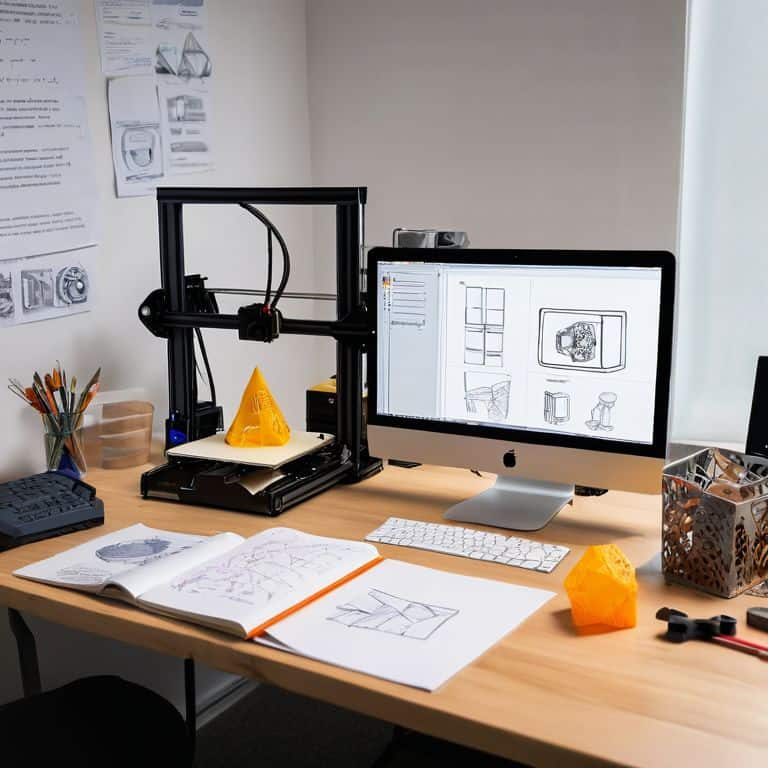
As we conclude our journey through the realm of 3D printing for beginners, let’s take a moment to reflect on the key milestones we’ve covered. From the initial introduction to 3D printing, to the step-by-step guide, and finally, navigating the essentials of 3D modeling software and printer calibration, we’ve charted a course through the fundamental aspects of this innovative technology. By now, you should have a solid foundation to start exploring the endless possibilities that 3D printing has to offer.
As you set sail into this new world of creation and innovation, remember that the true power of 3D printing lies not just in the technology itself, but in the boundless imagination and curiosity it inspires. So, don’t be afraid to experiment, to push the limits of what’s possible, and to create something truly remarkable. The journey ahead is full of exciting discoveries, and with the right mindset and skills, you’ll be navigating uncharted waters like a seasoned explorer, uncovering new wonders and marvels at every turn.
Frequently Asked Questions
What are the most important features to consider when buying a 3D printer as a beginner?
As a beginner, I’d say consider the printer’s resolution, build volume, and ease of use. Think of it like packing for a journey – you want the right tools for the adventure ahead. Look for a printer with a user-friendly interface, decent print speed, and reliable customer support to guide you through any challenges.
How do I choose the right 3D modeling software for my skill level and printing needs?
As a curious traveler in the realm of 3D printing, I’ve found that choosing the right software is akin to selecting the perfect map for your journey. Consider your skill level and the complexity of your prints – do you need a user-friendly interface or advanced tools? Popular options like Tinkercad, Fusion 360, and Blender offer varying degrees of complexity, so take a moment to explore and find the one that navigates you smoothly to your printing destination.
What are some common mistakes to avoid when calibrating a 3D printer for the first time?
As I adjusted the tiny Eiffel Tower in my latest miniature diorama, I couldn’t help but think of calibration mishaps. When setting up your 3D printer for the first time, beware of incorrect bed leveling, insufficient adhesive, and overlooking firmware updates – these common pitfalls can throw off your prints and leave you lost at sea.